Drones Occurrence Reporting
Did you see something you feel is unsafe?
If you saw a drone flying in a way that concerned you; too close to an aircraft, over a crowd, near an airport, or in a way that felt reckless, you can report it to the IAA. You don't need to be a drone operator to report a safety concern. This page is for members of the public and drone operators alike.
What to report
Report any drone-related event that endangered, or could have endangered, an aircraft, a person, or property. Common examples include:
- A drone flying over assemblies of people
- A drone that is flying too high
- A drone flying near an airport or aerodrome
- A near-collision or close encounter involving a drone
- A drone lost from the operator's control (fly-away) or beyond the line of sight of the pilot
- Any incident that, if it had gone differently, could have caused harm
Direct Remote Identification (DRI) — help us identify the drone
Drones weighing 250g or more are required to broadcast Direct Remote Identification (DRI) — essentially a digital licence plate for the drone. It transmits the operator's registration number, the drone's location, and flight details. This signal can be picked up by smartphone apps such as DroneScanner, OpenDroneID, or Air Sentinel. If you're able to capture this information at the time of the incident, please include it in your report — it significantly helps our investigation identify the drone and operator involved.
How to report it
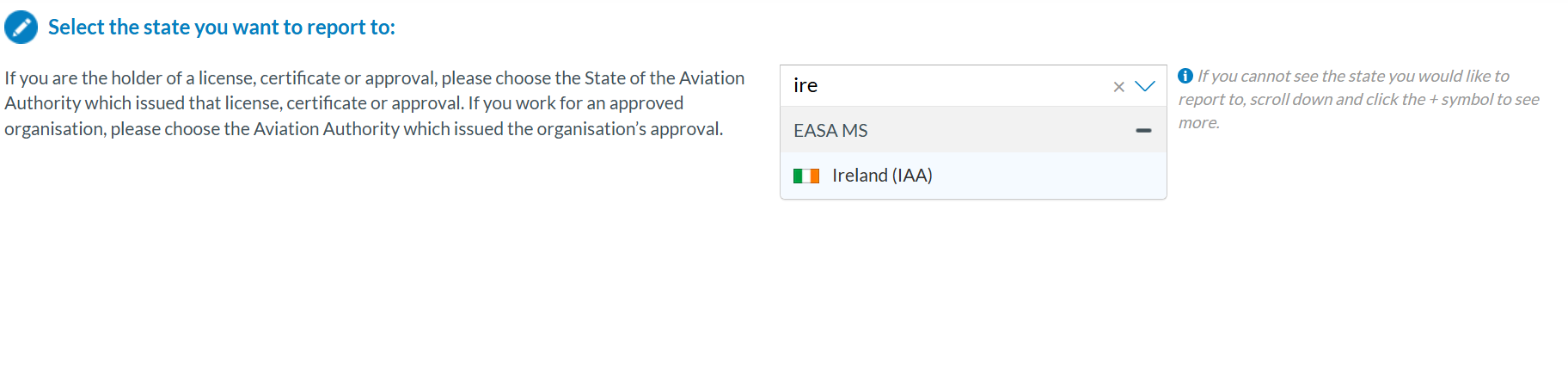
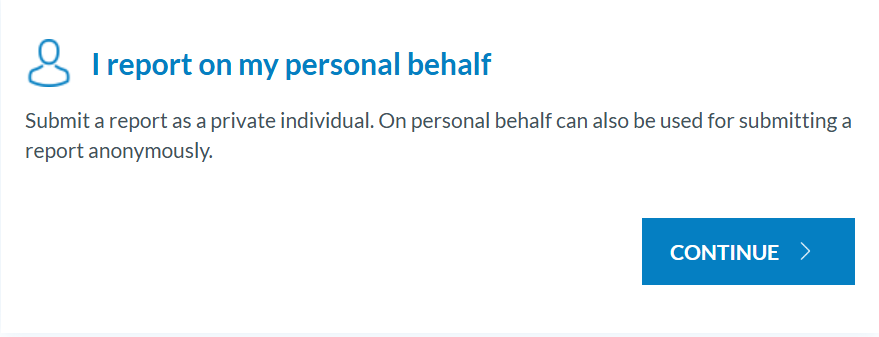
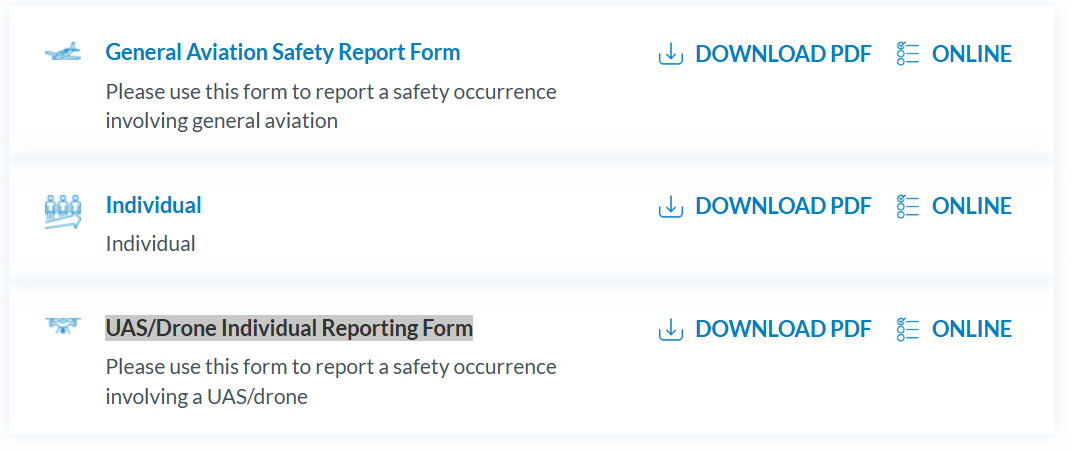
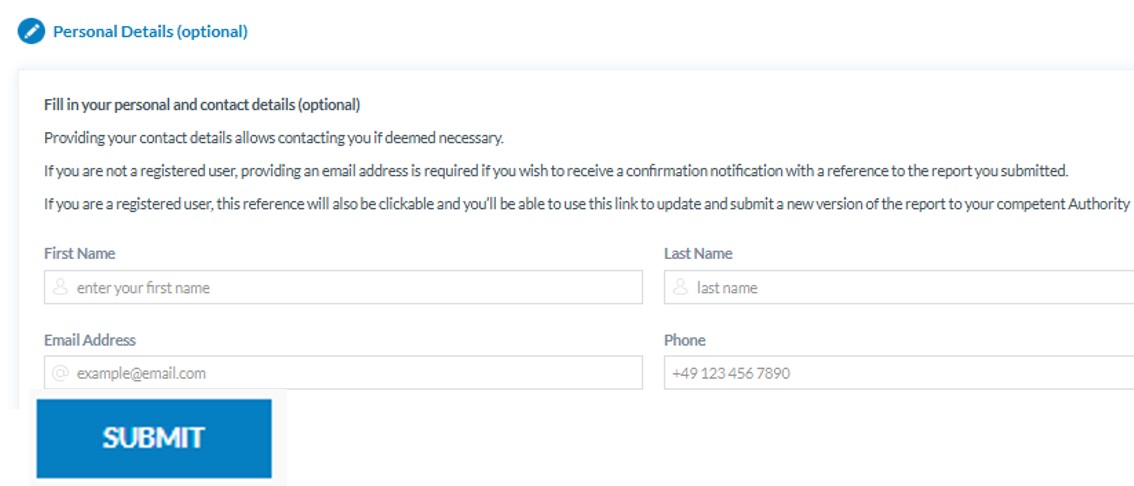
Reports are submitted through ECCAIRS, the European aviation safety reporting system. You can submit a report even if you don't hold an operator account — full instructions are on
ECCAIRS 2 Central Hub (aviationreporting.eu). See below for detailed steps on how to complete your report.
GDPR and privacy concerns
ECCAIRS is a safety reporting system, not a privacy channel. If your concern relates to privacy — for example, a drone filming or photographing you or your property — that is a matter for the Data Protection Commission (DPC), not the IAA. Please direct privacy-related complaints to the DPC. Occurrence reports made to the IAA should relate to safety events only.
Why you might not hear back individually
The IAA receives a high volume of reports. Each one is logged, assessed, and used to identify safety trends. Pursuant to our Privacy Policy, we're not able to provide an individual response to reports. This doesn't mean your report wasn't received or reviewed; every report feeds into our safety analysis.
Enforcement and Just Culture
The purpose of occurrence reporting is to improve safety, not to punish honest mistakes. The IAA operates under the principle of Just Culture. Self-reporting operators are not penalised for honest errors or unintentional acts. Reporting helps us understand what happened and prevent it happening again. Where warranted, the IAA can take enforcement action, including detention of drones or prosecution, but this is reserved for reckless or deliberate non-compliance, not genuine reporting.
What NOT to report
- Privacy concerns, please refer to DPC
- Criminal Activity using drones, please contact AGS
- “I don’t like drones”